
How two-factor authentication can give you peace of mind from hackers
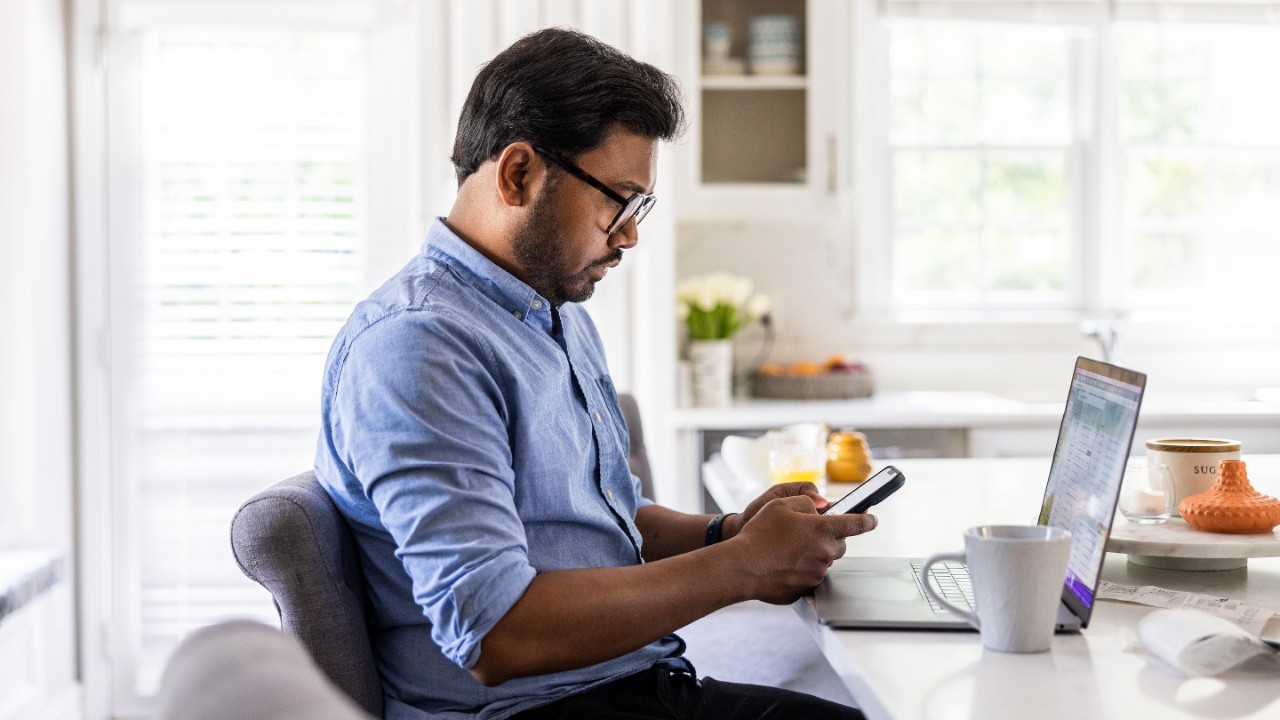
As retirees and other investors try to repel scammers and safeguard their financial assets, activating two-factor authentication on accounts and devices is an easy security step that can make a real difference.
Australians are paying a hefty price because of the ever-increasing sophistication and frequency of cyber-attacks and scams.
The Australian Cyber Security Centre’s 2023-24 cyber-threat report provides some context, noting that its hotline received more than 36,700 calls for that 12-month financial year, with the average self-reported cost of cybercrime per report for individuals rising to $30,700.
These results highlight the fact that, in an increasingly digital world, keeping your personal and financial information secure has never been more critical. Some older Australians and retirees who struggle with technology may be especially vulnerable to these online scams and cybercrime.
One of the simplest and most effective anti-hacker tools is two-factor authentication (2FA), which can help protect bank and superannuation accounts, retirement funds and online bill payments. Most financial institutions and government agencies such as MyGov offer 2FA, or even multi-factor authentication, as a free option. Setting it up usually takes just a few minutes and can be used for financial, social media and email accounts.
What is two-factor authentication?
Relying on a standard username and password is no longer adequate when accessing online accounts, which is where 2FA comes in. It adds an extra layer of security that can really keep scammers at bay.
2FA requires a second piece of ID or information before you can enter an account. Common forms of 2FA include a code being sent to your mobile device, or biometric options such as fingerprint scanning or facial recognition. Even if hackers obtain your password, this added protection will make it extremely difficult for them to get into your account and steal funds.
Why is it important?
To reiterate, 2FA is one of your best lines of defence against hackers and scammers. Cybercriminals often target older people knowing they may have significant super accounts and investment portfolios that can be exploited.
Many retirees and other investors go online to manage their banking, investments and government services such as Medicare and Centrelink. Without adequate protection, a compromised password could open the door to multiple accounts and assets.
The key benefits of 2FA include:
- Superior account security – even if a cybercriminal discovers or steals your password, they will still need the second factor to gain access, significantly reducing the risk of illegal intrusions.
- Protection against phishing – many cyber-attacks focus on stealing passwords. With 2FA, your ID is uniquely tied to your device, making external attacks much more complicated.
- Peace of mind – knowing there is an extra barrier helps users feel more confident as they take advantage of the convenience of online transactions while appreciating that their assets are secure.
What are the best 2FA options?
A range of 2FA choices exist, including the following:
- Security code – this is a random code that is sent to your device after you have entered your username and password. Typically, you will receive a text message or an email with a code that can only be used once.
- Biometrics – as mentioned, unique characteristics such as using your face or fingerprint to access an account is effective because, unlike a password, it cannot be misplaced or forgotten.
- Authenticator apps – these mobile apps also generate a one-time password and they are usually more secure than receiving a code by text or email. You will have to download an authenticator app on your device to use such a tool.
You may also hear references to passkeys and tokens as other forms of security. Many banks and financial organisations will prompt you to use 2FA and provide the appropriate steps to do so.
Typically, to set up 2FA you can access the security settings of your account, locate the option for 2FA and click it to turn it on. Then follow the prompts to add mobile or email details.
Top tip: Remember that if you change phones or other devices, you may have to reset the 2FA options to ensure that they are activated on the new device.
With rising threats from scammers who are using artificial intelligence to increase the sophistication and frequency of scams, taking advantage of 2FA is a smart move.
If you are having trouble with the set-up, seek assistance from a trusted friend or family member, or the Mercer Financial Advice team will be able to assist with 2FA on apps relating to your Mercer investments.